Tax phishing: How to spot fake emails in the federal government's name
Fraudsters impersonate tax authorities, promise refunds or demand payments. What matters is the sender, the web address and the pressure to act immediately.
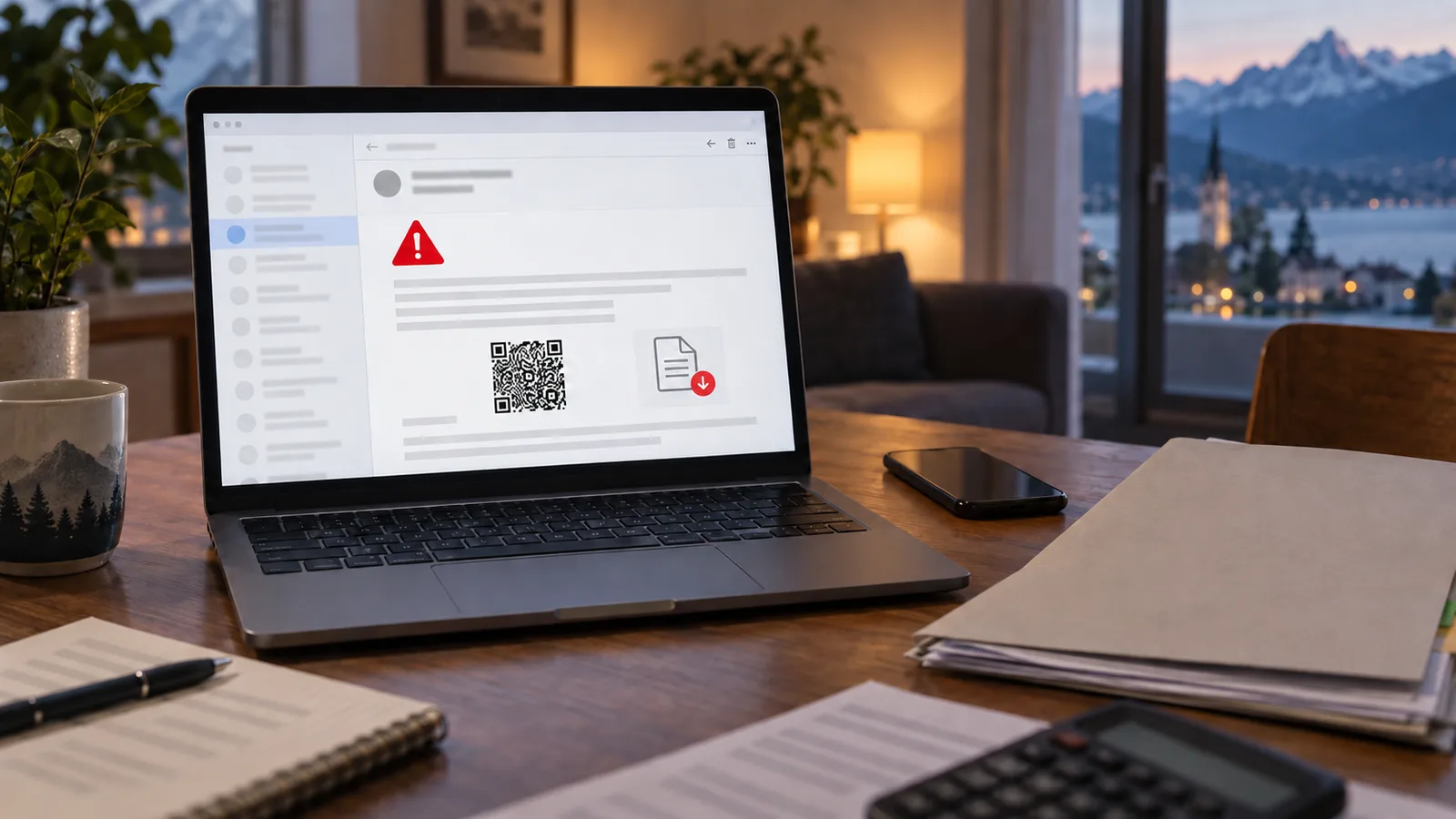
Tax phishing works above all when the occasion seems plausible. An alleged tax refund, an outstanding payment or an urgent request to confirm personal data reaches many people at a moment when they are expecting correspondence from the authorities anyway. That expectation is exactly what criminals exploit.
The Federal Tax Administration (Eidgenössische Steuerverwaltung, ESTV) repeatedly warns about messages that use its name, its appearance or invented sender domains. They often promise a refund and ask for credit card or bank details in return. Other variants create time pressure with an alleged invoice or payment reminder. What matters is therefore not the story the email tells, but where it wants to lead the recipient.
Five checks before every click
First: check the complete sender address, not just the displayed name. Official email addresses of the federal administration end in "admin.ch". Yet even an exactly matching sender address can be forged: the ESTV also documents messages with a faked "noreply@estv.admin.ch". The visible address alone therefore proves nothing. Cantonal tax authorities use their own domains as well.
Second: move the mouse pointer over the link without clicking. On a smartphone, the destination address is usually shown by pressing and holding. Deviating spellings, extra words and unfamiliar domain endings are warning signs. It is safer to type the known authority address into the browser yourself.
Third: be wary of unexpected refunds. An authority does not spontaneously need a card number, PIN, e-banking password or one-time code via an email form in order to transfer money.
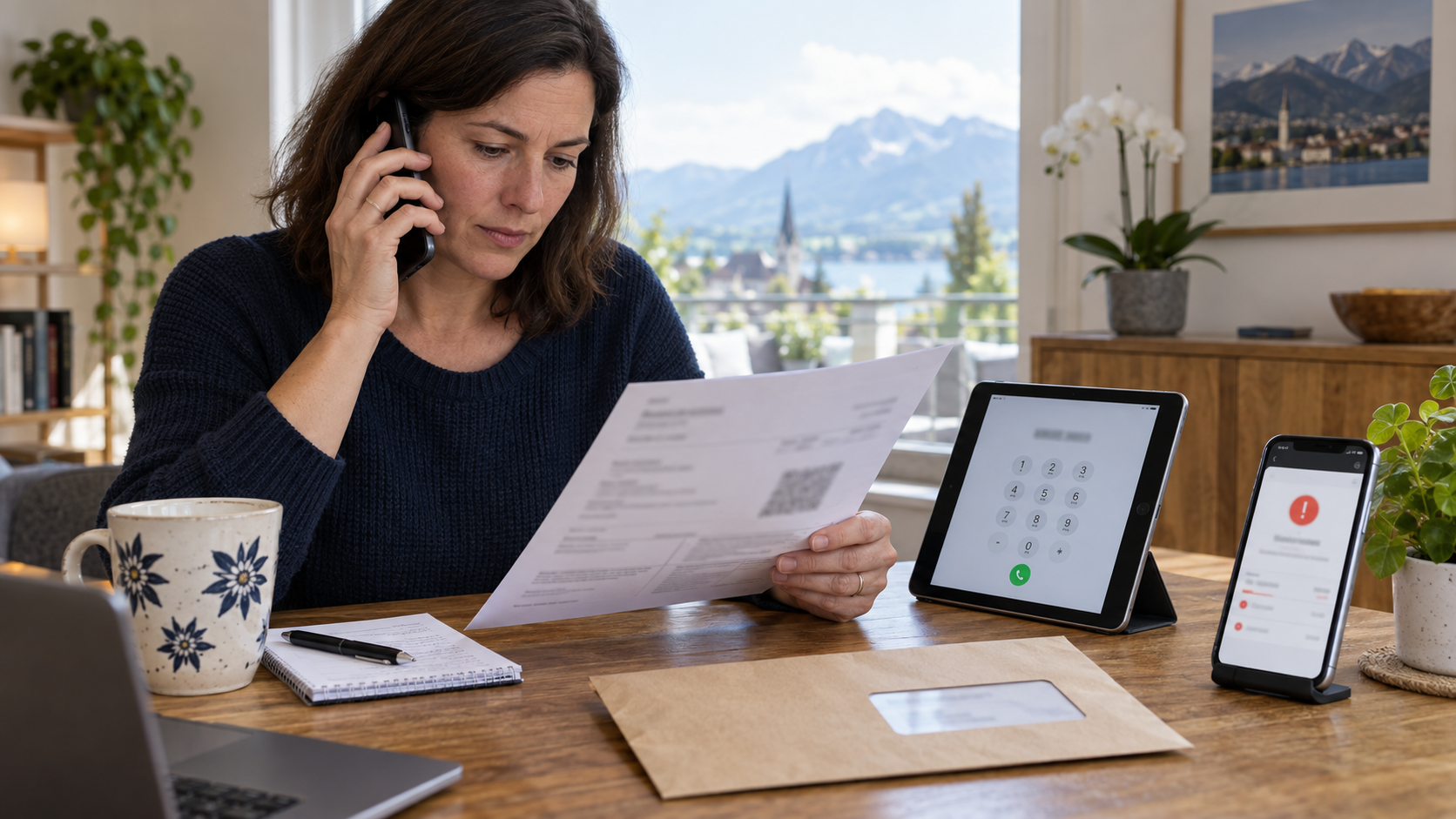
Fourth: do not let yourself be pushed. Threats of fees, blocked accounts or short deadlines are meant to stop you from checking. Call the responsible office on a number you find on the official website or on an earlier letter – never via the contact details in the suspicious email.
Fifth: do not open unexpected attachments. A PDF or Office document can also point to a phishing page or contain malware.
Why flawless language is no longer a seal of quality
In the past, clumsy wording gave away many mass emails. Today that is a weak criterion. Correct language, appropriate Swiss terms and convincing design do not prove authenticity.
A well-known logo proves nothing either. Images and entire websites can be copied. What is technically more reliable is the domain actually called up, the independent call-back, and the question of whether the requested action fits the usual administrative process.
After a click, the response is what counts
Anyone who only clicked a link but entered no data and downloaded nothing should close the page and check the device for unusual downloads. If passwords were entered, they must be changed immediately via the real website – and also for all other services where the same password is used.
With credit card or bank details, the bank or the card provider must be contacted immediately. Payments can under certain circumstances be stopped, cards blocked and access monitored. If money has been transferred, the BACS additionally recommends reporting it to the police. Suspicious messages can be reported via the reporting form of the Federal Office for Cybersecurity; such tips help to identify campaigns and fake sites more quickly.
Not every false invoice is tax phishing
There is a second trick: criminals alter genuine invoices or, within an ongoing email thread, pretend that there is a new IBAN. The BACS calls this invoice manipulation fraud. Here the sender can indeed appear familiar, because an email account has been compromised. Unusual changes to payment details should therefore be confirmed by phone using an already known contact.
The most effective rule is inconvenient but simple: an urgent email from an authority is not resolved via the link it contains. Anyone who switches communication channel and contacts the office independently takes away the decisive advantage from fraudsters – the time pressure.
QR code and PDF are no shortcut to safety
A generic QR code can lead to a fake website. The Swiss QR Code on a Swiss QR invoice, by contrast, contains payment data; this too can lead to a fraudulent recipient. Check the recipient name and IBAN in the banking app and compare them with earlier, confirmed details. With electronic invoices, logging in directly to e-banking is safer than entering via an email or attachment. A plausible-looking Swiss QR invoice does not prove that the payee is genuine.


